
FF Advance Server
Experience upcoming Free Fire features first with the Advance Server. Register now for OB versions, activation codes, and potential diamond rewards from bug hunting.
FF Advance Server OB53 Details
| Detail | Info |
|---|---|
| Update Name | OB53 |
| Release Date | April 8, 2026 |
| New Character | Possible Teleport Ability Character (Not Confirmed) |
| New Evo Bundle | Legendary Eclipse (Galaxy Theme – Expected) |
| Collaboration | Free Fire x Gintama |
| Collaboration Rewards | 5 Bundles, 4 Gun Skins, 1 Emote |
| New Events | Ramadan Lost Treasure Event |
| Special Emote | King of Gold Squad Emote |
| Platforms | Android, iOS, Free Fire MAX |
What Is the FF Advance Server?
The Free Fire Advance Server is Garena’s official beta testing environment for the game. Before every major OB (Open Beta) update, Garena opens the Advance Server for a limited period usually 7 to 14 days and invites a small group of selected players to test all the new features that are being planned for the upcoming patch.
This is not a hack or a third-party mod. The Advance Server is a completely official program run by Garena itself. Players who are selected get early access to upcoming content including new characters with unreleased abilities, new weapons that haven’t launched yet, new pets, limited-time game modes being tested, map changes and balance adjustments, and new UI features and interface updates.
The most important thing to understand is that not everything tested in the Advance Server makes it to the live game. Some features get removed, delayed, or significantly changed based on the feedback and bug reports that testers submit. This is exactly why Garena runs the Advance Server to catch problems before they reach millions of players.
Who Can Join the Free Fire Advance Server?
The Advance Server is not open to everyone. Garena selects a limited number of players for each testing cycle. To be eligible, you must meet the following requirements:
Account Requirements:
- You must have an active Free Fire account in good standing (no bans or suspensions)
- Your account should have a reasonable amount of gameplay history brand new accounts are rarely selected
- You must register during the official registration window (usually opens 1-2 weeks before each OB update)
Device Requirements:
Important: iOS (iPhone/iPad) users cannot join the FF Advance Server. The APK is Android-only.
What is Free Fire Advance Server APK OB53?
Free Fire Advance Server APK OB53 is the special test version of Free Fire released before the official OB53 update went live. It allows selected players to try upcoming features, characters, weapon changes, and system improvements before they are added to the global version of the game.
The Advance Server works separately from the regular Free Fire app. Players must register in advance, receive an activation code, and install the OB53 APK file manually on their Android device. This version is used for testing and reporting bugs, helping developers fix issues before the final update is released worldwide.
Unlike the main game, the Advance Server is available only for a limited time and has restricted access. Once the OB52 testing phase ends, the server closes automatically until the next update cycle begins. Now “OB53 Advance Server is also opening soon.
How Does the Free Fire Advance Server Work?
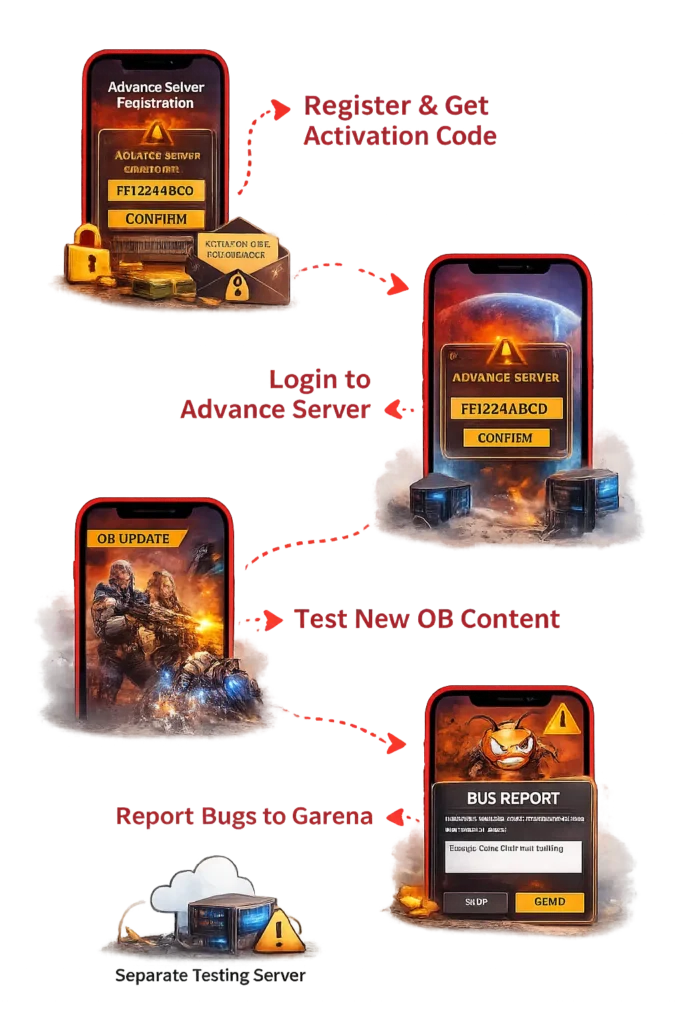
The FF Advance Server works as a limited-access testing platform where selected players can try upcoming game updates before they are released globally. Players must register during the official registration period and receive a unique activation code to log in.
Once approved, they can download the Advance Server app, test new features, and report bugs or issues to Garena during the testing phase. The server remains open for a short time and is used only to collect feedback and improve game stability.
Note: The Advance Server is a temporary testing environment. Progress, items, and rewards earned during testing do not transfer to the main Free Fire game, and features may change or be removed before the final release.
How to Download the Free Fire Advance Server APK?
The Free Fire Advance Server APK is released by Garena. To make access easier for players, the official Advance Server APK is provided on our website for download when registration is open.
The file offered here matches the official Garena release for the current OB testing cycle and is intended only for Advance Server access.
Avoid “Mod” or “Unlimited Diamond” versions of the Advance Server found on random websites. These are fake and can compromise your device security.
You’ll also need to enable “Unknown Sources” or “Install from Unknown Sources” in your device settings since the APK isn’t available through the Google Play Store. This is a standard step for installing any official garena apk directly.
Step-by-Step Guide to Register, Access & Download FF Advance Server
This section explains how players can register for the Free Fire Advance Server, get approved, and access the test server during an active OB cycle. The full process is handled by Garena and availability is limited.
Step 1: Free Fire Advance Server Registration
Registration is the most critical step because the server is not open to everyone. Garena uses a lottery-style system where only a limited number of players get approved. Registration usually opens a few days before the server goes live. Only approved accounts can enter the Free Fire test server.
For detailed steps
Step 2: How to Download After Registration
Once your registration is submitted, the status will typically show “Pending.” If you are selected, the download button on the official site will turn green, allowing you to download ff advance server specific APK file for the current OB version.
If you are not approved immediately, check back daily. Garena releases access in waves, so the download button might become active a few days into the testing phase.
Step 3: Accessing the Latest OB Advance Server
When you open the Advance Server, you are entering a completely separate game client. It does not replace your normal Free Fire app; it installs as a second app. This specific “OB” (Operation Briefing) version contains code that is weeks or months ahead of the global release.
You will notice different loading screens, new music, and experimental features that may or may not make it to the final game. Remember, this client is temporary and will stop working once the testing period ends.
How to Get the Free Fire Advance Server Activation Key?
The Activation Key is a unique 16-character code required to enter the game. You cannot enter the Advance Server without this key. Even if you download the APK, the game will ask for this code on the login screen.
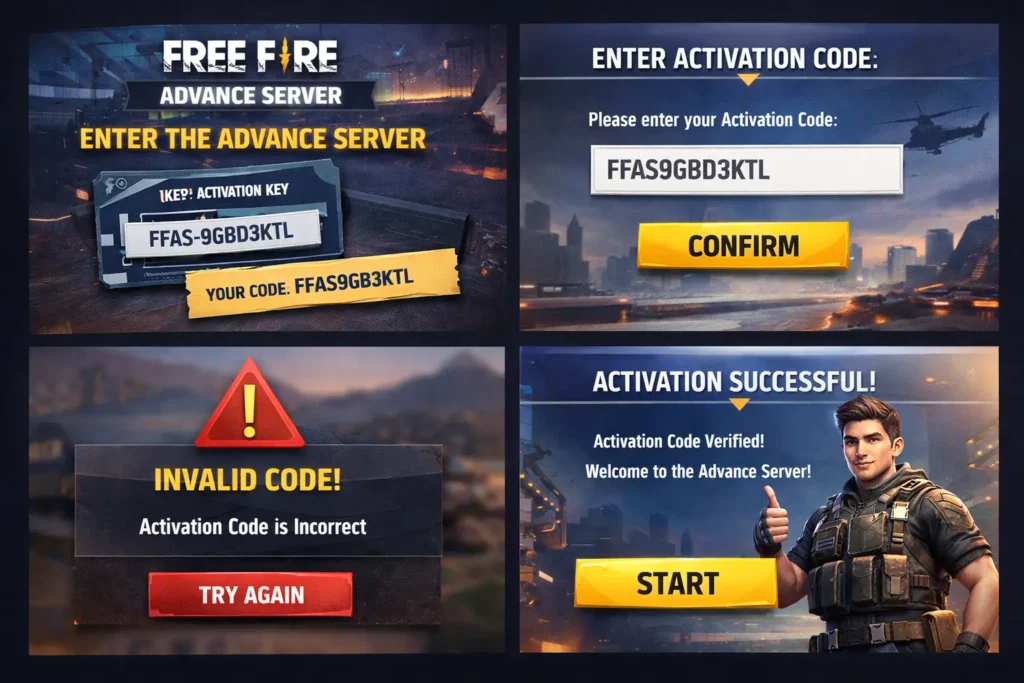
Garena sends activation code to selected accounts after the Advance Server registration review is completed. Keys are usually shared through the registered login method or shown inside the Advance Server portal, depending on Garena’s process for that cycle.
How to get it:
- Official Selection: Garena displays the code on your profile page on the official Advance Server website if you are chosen for the OB51 version of Free Fire.
- Limited Availability: Not every registered player gets a key. It is based on luck and slot availability.
- No Bypass: There is no “hack” or “generator” for these keys in the battle royale game. Do not trust sites claiming to sell them.
If you don’t receive a key, you unfortunately cannot play this round. Your best bet is to register as early as possible when the next server cycle is announced.
What Is the Free Fire Advance Server Activation Code?
The activation code is a unique alphanumeric code that Garena sends to selected testers via email. It typically looks like a string of letters and numbers (for example: FFAS-XXXX-XXXX format, though the actual format varies by cycle).
Key facts about activation codes:
- Each code is unique to one player — you cannot share it with friends
- Codes expire when the Advance Server closes for that cycle
- If your code does not work, it may have expired or been entered incorrectly
- You cannot get an activation code without being officially selected by Garena
Why You Should Be Careful:
Many websites and YouTube videos claim to offer “free activation codes” for the Advance Server. These are all fake. Garena does not distribute codes publicly they are sent only by email to selected players. Entering fake codes from unofficial sources will simply give you an error message, and in some cases these sites may try to steal your account credentials.
What are the Key Features of Free Fire Advance Server?
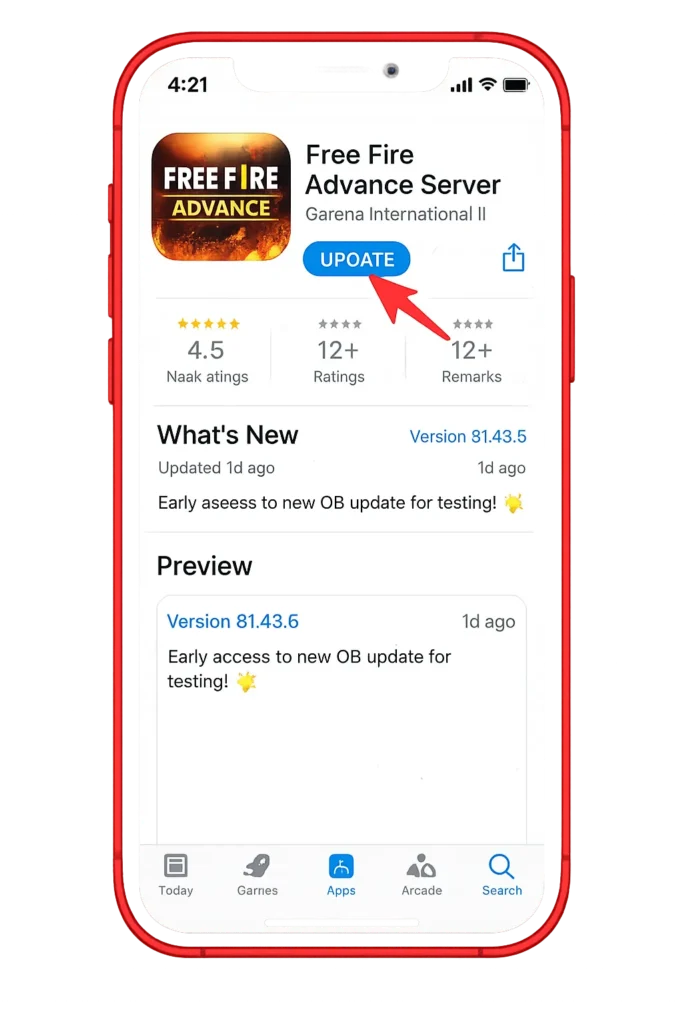
The ff Advance Server offers selected players early access to upcoming updates and experimental content. Its main purpose is to test new features and improve game stability before global release.
Early Access to OB Updates
Advance Server players can try new OB updates weeks before they go live in the global version. These updates include upcoming gameplay changes, balance adjustments, and system improvements. Players get a preview of new mechanics before other users. This helps the community understand future updates in advance. It also allows Garena to test large-scale changes safely.
New Characters, Weapons, and Features
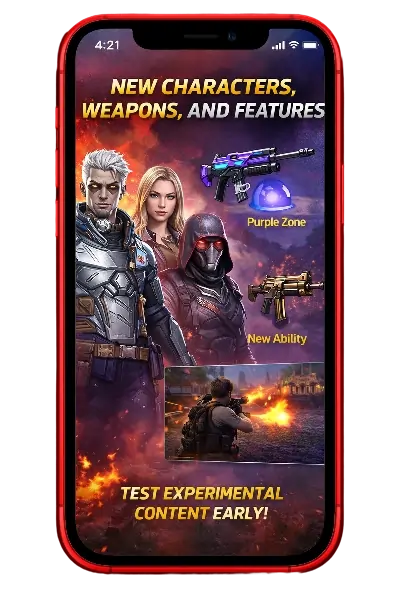
Players can test new characters, weapons, and abilities before official release. These features are often still under development and may change. Some abilities may be rebalanced or removed based on feedback.
Not all tested content is guaranteed to reach the global server. This testing helps ensure fair and stable gameplay.
Bug Testing and Feedback System
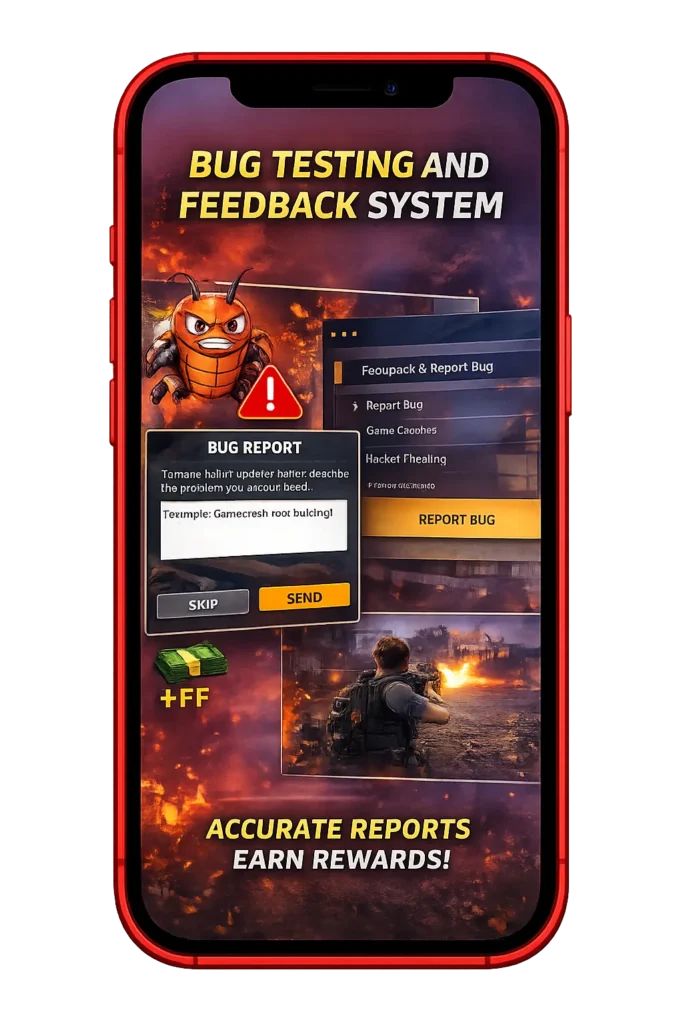
The Advance Server includes a built-in bug reporting system. Players can report crashes, glitches, and performance issues directly to Garena. This feedback helps developers fix problems before public release. Detailed and accurate reports are highly valuable.
In some cases, Garena rewards players for useful bug reports.
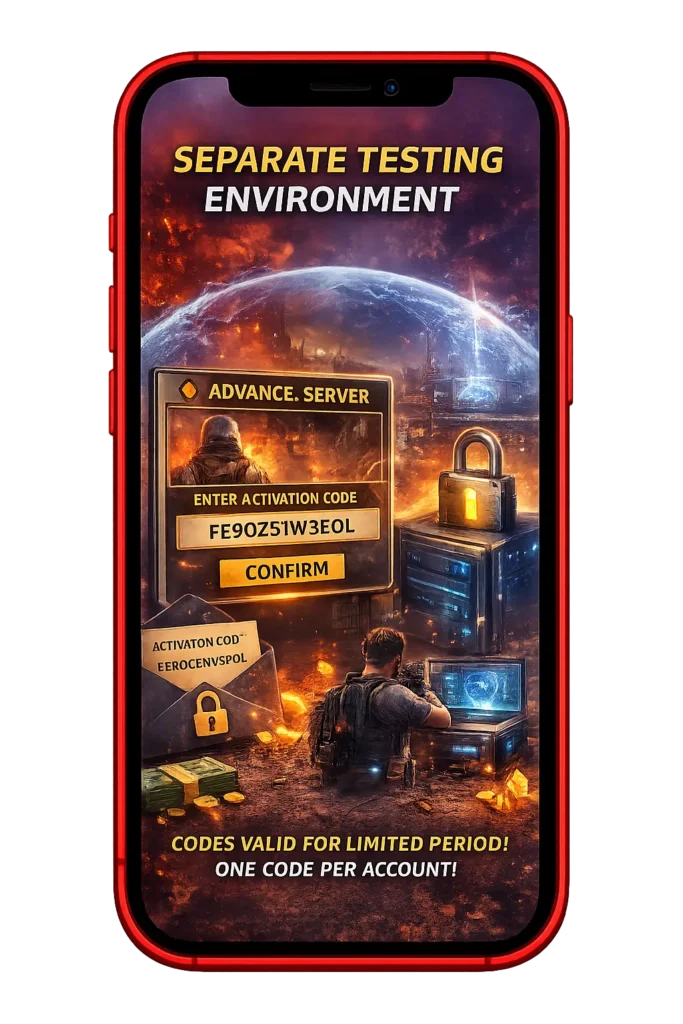
Activation Code–Based Limited Access
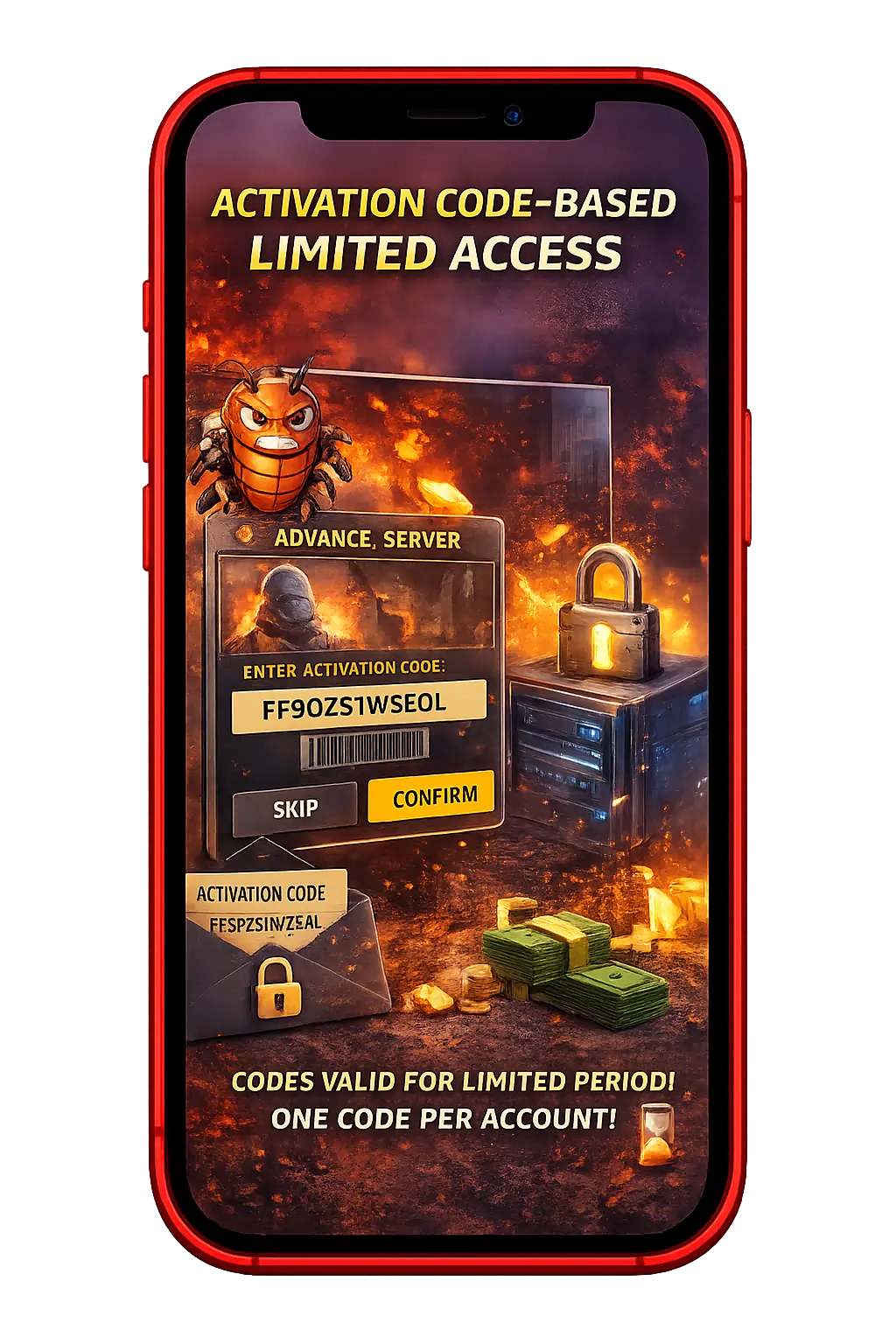
Access to the Advance Server requires a unique activation code. Only approved accounts can log in during the testing phase. Each activation code works for one account only. Codes are valid for a limited time and expire after testing ends. This controlled access keeps the server stable and manageable.
Separate Testing Environment
The Advance Server runs on a completely separate server from the main game. Progress, skins, items, and stats do not transfer to the global version. All player data is reset after each testing phase. This ensures fair testing without affecting real accounts.
The environment is purely for experimentation and feedback.
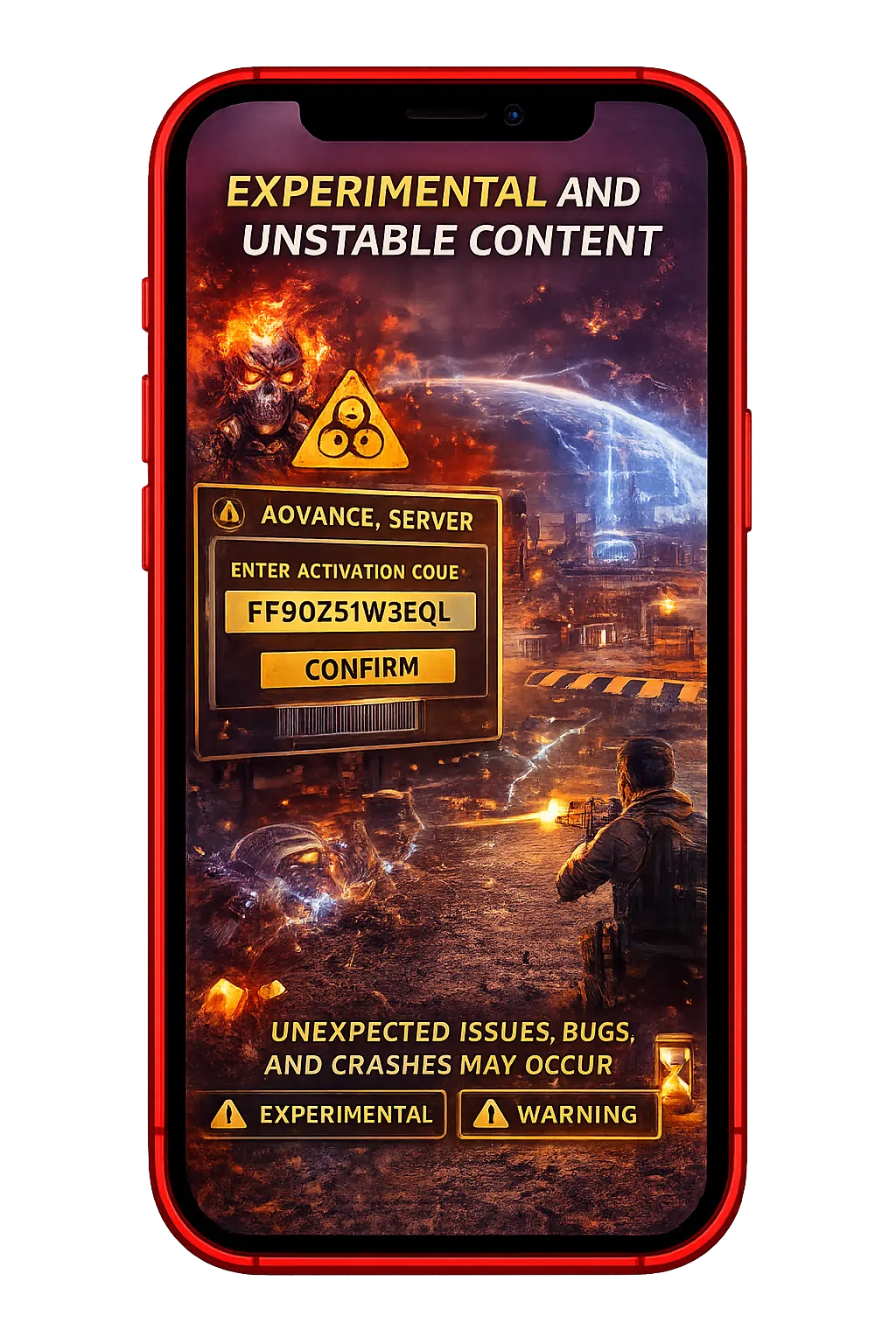
Experimental and Unstable Content
Since it is a test server, content may be unstable or unfinished. Players may experience bugs, crashes, or performance drops. Some features may change suddenly during testing. Unexpected issues are normal in this environment. The purpose is testing not a perfect gameplay experience.
Tip
The Free Fire Advance Server is designed for testing and feedback only. If you prefer stable gameplay, the global version is the better choice.
How to Login to the Advance Server Without Errors
To access the Free Fire Advance Server, players must log in using the same account method that was approved during registration. Only accounts that received Advance Server access and an activation key can log in successfully.
Supported login methods
- Facebook or Google (based on how your Free Fire account is linked)
- Other login options may appear depending on Garena’s setup for Free Fire players
- Guest login may be restricted and still requires an activation key
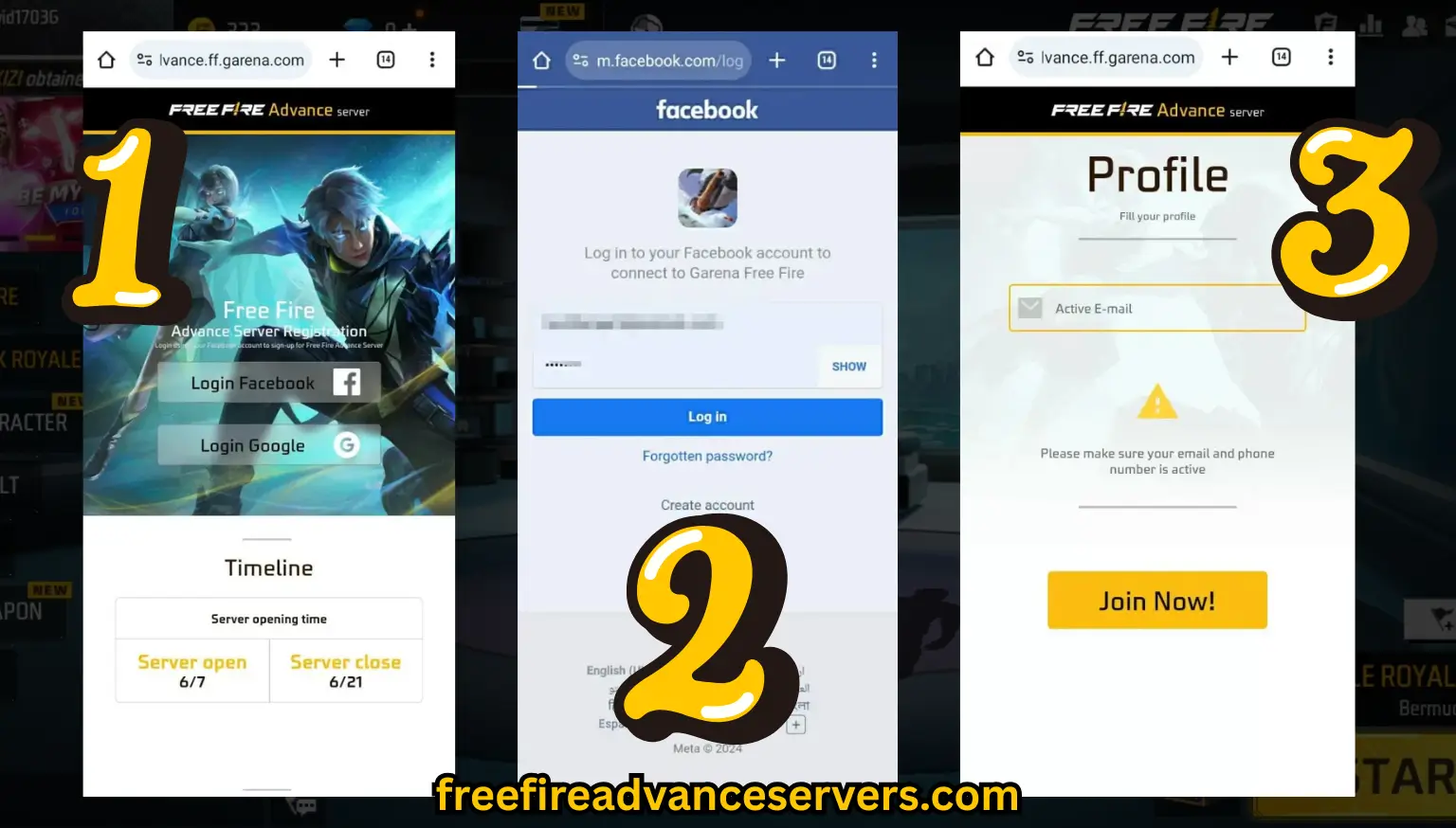
After launching the Advance Server app, select your approved login method and enter the activation key when prompted. Make sure the code is entered exactly as provided, as it is case-sensitive.
Common Login Fixes:
Many players face login problems while accessing the Free Fire Advance Server, especially during high traffic or testing phases. Below are the most common login issues and simple fixes to help you access the server without frustration.
Error 1: Activation Code Invalid Error
This error usually appears when the activation code is entered incorrectly. Make sure you type the code exactly as provided, including capital letters, because activation codes are case-sensitive. If the problem continues, the code may already be used, expired, or revoked by Garena.
Error 2: Server Full or Maintenance in Progress
If you’re unable to log in even with a valid code, the Advance Server may be full or temporarily under maintenance. This is common during peak testing periods. In such cases, wait a few hours and try again when server traffic is lower.
Error 3: App Freezing or Stuck on Loading Screen
When the app freezes during login or stays stuck on the loading screen, cached data is often the cause. Go to your phone’s settings, clear the FF Advance Server app cache, restart your device, and then reopen the app to try again.
Error 4: Permission or Network Issues
Login failures can also happen if required permissions are not enabled or your internet connection is unstable. Check that storage and microphone permissions are allowed for the app, and ensure you’re using a stable Wi-Fi or mobile data connection before logging in.
If you face repeated login failures, it often means the server is full or undergoing maintenance. Wait a few hours and try again.
Still having trouble getting in? Check out our detailed guide on fixing common login errors and connection issues.
Tips for Faster Approval
These tips won’t guarantee approval, but they can help your Advance Server registration go smoothly and avoid common mistakes.
Pros and cons of the FF Advance Server
The Free Fire Advance Server lets selected players test upcoming updates early, but it also has some limitations. Below are the main advantages and disadvantages to consider.
Pros
Cons
Rewards You Can Earn in the FF Advance Server
The Free Fire Advance Server includes a bug hunter reward system for players where detailed bug reporting earns you 1000 diamonds in Free Fire Max, enhancing your skins. During the Advance Server phase, users can report bugs and issues found while playing on the test server.
Based on Garena’s review process, some reports may receive diamond rewards on the main Free Fire Max account. Rewards are not guaranteed and depend on the quality and usefulness of the report.
Looking for more ways to earn?
Check out our guide on how to get diamonds in Free Fire.
Free Fire Advance vs Free Fire (Global Version)
Many players are confused about how the Advance Server differs from the regular game. Here is a clear comparison:

| Feature | Advance Server | Live Server |
|---|---|---|
| Access | Selected testers only | All players |
| Content | Upcoming unannounced features | Current released content |
| Progress | Does NOT carry over to live server | Permanent |
| Diamonds | Earned only through bug reports | Earned through events and purchases |
| Availability | Open for 7-14 days per OB cycle | Always available |
| Purpose | Testing and quality assurance | Normal gameplay |
| Accounts | Same login but separate progress | Your main account |
Each OB version introduces different updates. For example, OB48 might focus on new character abilities and map changes, while the next version could test weapon adjustments or UI improvements.
Critical point: Any items, diamonds, or progress you earn in the Advance Server do NOT transfer to the live game. The only thing that carries over is the diamond reward from valid bug reports, which Garena adds to your main account after the Advance Server closes.
Older Advance Server Versions (2022–2024)
Players often search for older APKs like OB40 or OB45, but these are useless. The Advance Server is a live service that connects to a specific online server. Once Garena shuts down the server for an old version, the APK file becomes a “dead” app.
Why you can’t play old versions:
How to change region in Free Fire advance server?
Changing the region in the Free Fire Advance Server is not officially supported. The region is automatically determined during the registration process based on your account details, IP address, and Garena’s regional slot availability.
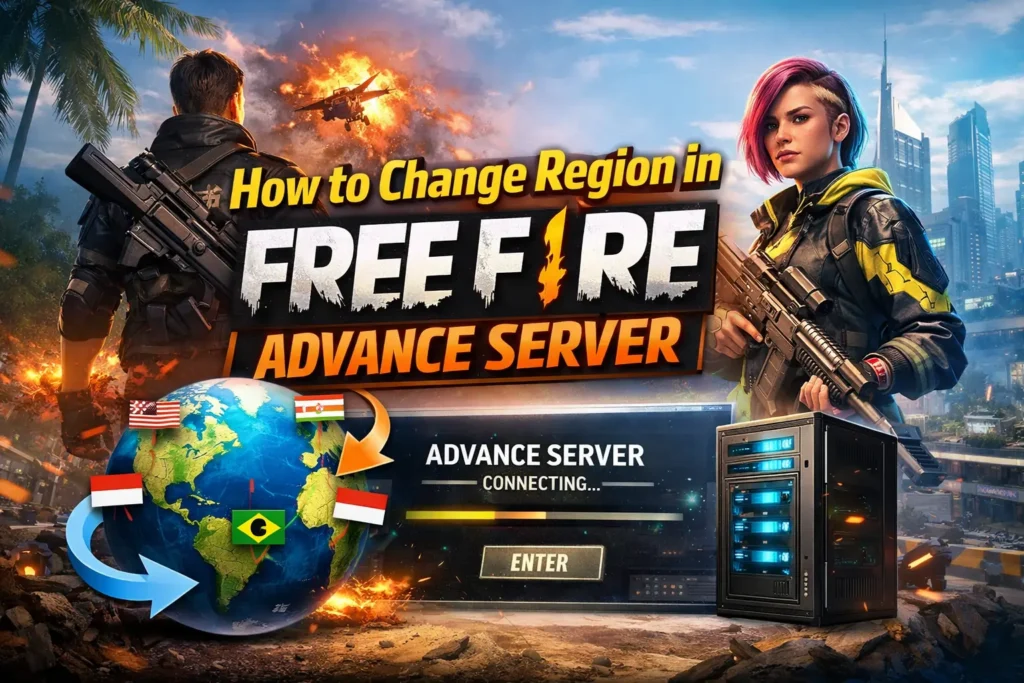
Once your registration is approved and an activation code is issued, the region cannot be changed manually inside the Advance Server app. Some players attempt to use VPNs to register from another region, but this is risky and may lead to login issues, higher ping, unstable gameplay, or even account restrictions.
For the best and safest experience, it’s recommended to register from your actual region and wait for the next Advance Server cycle if slots are unavailable.
Tip: For the best experience, register from your real region and avoid VPN use to reduce connection and account risks.
Frequently Asked Questions
How long does the activation key take?
Garena processes free fire advance server activation keys after registration approval, usually within hours to a day. Delays happen if slots fill up or during high traffic—check your email and spam folder regularly.
FF Advance Server for iOS Devices Is It Available?
No, the advance server is only available for Android devices. Garena hasn’t released an iOS version of the test server, so iPhone and iPad users can’t participate in testing phases.
Why does the download link not work?
Download links are only active during the testing period. If the link isn’t working, registration might be closed, the testing phase may have ended, or you’re accessing an unofficial source.
Can I join the server twice?
You can register for each new cycle if slots are open, but not reuse the same activation code. Each free fire test server run has limited slots based on Garena’s schedule.
Is the advance server free to use?
Yes, the official Garena Free Fire Advance Server is completely free. Just complete registration and use the activation key no purchases needed for access or rewards.
Which VPN is best for FF Advance Server?
The best VPNs for the FF Advance Server are Turbo VPN, Thunder VPN, and 1.1.1.1 by Cloudflare because they offer stable connections and access to restricted regions. A VPN helps only during registration, not for gameplay, and should be turned off after login to avoid lag or bans
Which server is best in Free Fire?
The best Free Fire server depends on your location. Players should always choose the nearest regional server (such as India, Brazil, or Singapore) because it offers lower ping, smoother gameplay, and fewer connection issues.
What is the price of 300 diamonds in Free Fire?
The price of 300 diamonds in Free Fire varies by country. On average, it costs $3–$4 USD, or the local equivalent in your region. Prices may differ slightly depending on taxes and in-app purchase platforms.
What is a diamond 💎 in Free Fire?
A diamond is the premium in-game currency in Free Fire. Diamonds are used to buy elite passes, characters, skins, emotes, bundles, and special event items.
Are Free Fire diamond giveaways real?
Most Free Fire diamond giveaways are fake. Only official giveaways by Garena or verified esports events are real. Websites or apps asking for login details or APK downloads are scams and should be avoided.
What is the Advance Server?
The Free Fire Advance Server is a test version of the game where selected players try upcoming features before public release. It includes unreleased characters, weapons, maps, and gameplay changes.
Is Free Fire Advance open to everyone?
No, the Advance Server is not open to everyone. Players must register on the official Advance Server website and receive an activation code. Only a limited number of users are selected each cycle.
Do we get free diamonds in Free Fire Advance Server?
Yes, but not automatically. Players can earn free diamonds only by reporting valid bugs through the Advance Server system. The reward amount depends on the severity of the bug.
Is Free Fire No. 1 game?
Yes, Free Fire is considered one of the No. 1 mobile battle royale games globally. It has millions of daily active users and is especially popular in Asia, South America, and emerging gaming markets due to its low device requirements.
Will my Advance Server progress transfer to the live game?
No. All gameplay progress, items, and in-game currency earned during Advance Server testing are reset when the server closes. Only diamond rewards from valid bug reports are transferred to your main account.
What is the minimum age to join the Advance Server?
The same age requirements that apply to Free Fire in your region also apply to the Advance Server. In most regions this is 12 or older, but some regions require players to be 17 or older.

Cesar
Cesar is a passionate Free Fire Advance Server guide who helps players stay ahead of new updates, features, and upcoming changes. He closely follows Garena’s official announcements and tests Advance Server content to share clear, honest, and easy-to-understand information.
His goal is to help players avoid fake generators, scams, and misleading content, and only rely on safe, official sources. Through his articles, players can learn what’s new in Free Fire before global release and prepare smarter for upcoming updates.