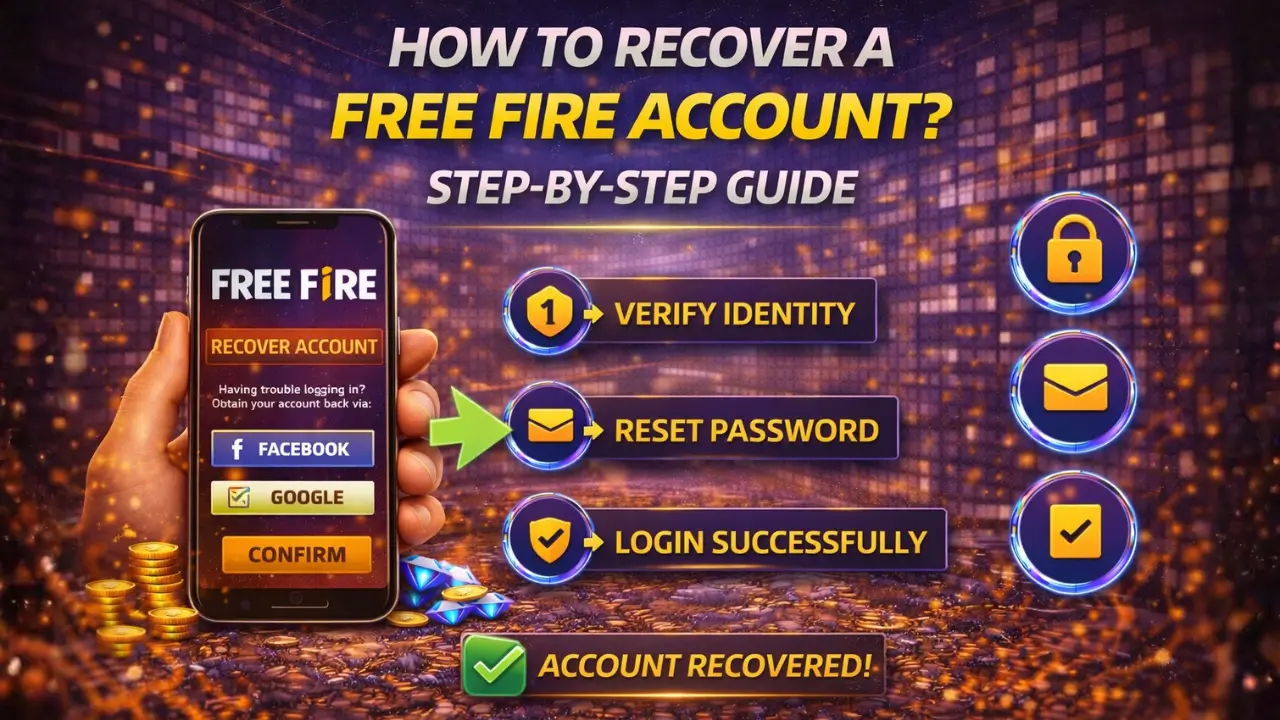
Quick Answer:
Download Free Fire: Android – Google Play Store (650MB), iOS – App Store (650MB), PC – Use emulator like BlueStacks or LDPlayer. Requirements: 2GB RAM, 1GB storage, Android 4.1+/iOS 11+. Installation takes 5-10 minutes. The game is free to play with optional in-app purchases.
Free Fire is a lightweight battle royale game designed to run smoothly on a wide range of devices. Whether you are using an Android phone, an iPhone, or a PC, downloading the game is simple when you follow the correct method. This guide explains how to download Free Fire safely on each device and how to fix common download issues.
Step-by-Step Guide for Each Device
We will explain you the safest and easiest ways to download Free Fire on different devices. Each method is explained clearly so you can choose the one that fits your device and internet setup.
How to Download Free Fire on Android
Downloading Free Fire on Android is quick and works best when done through official sources. Make sure your device meets the basic requirements before starting the download.
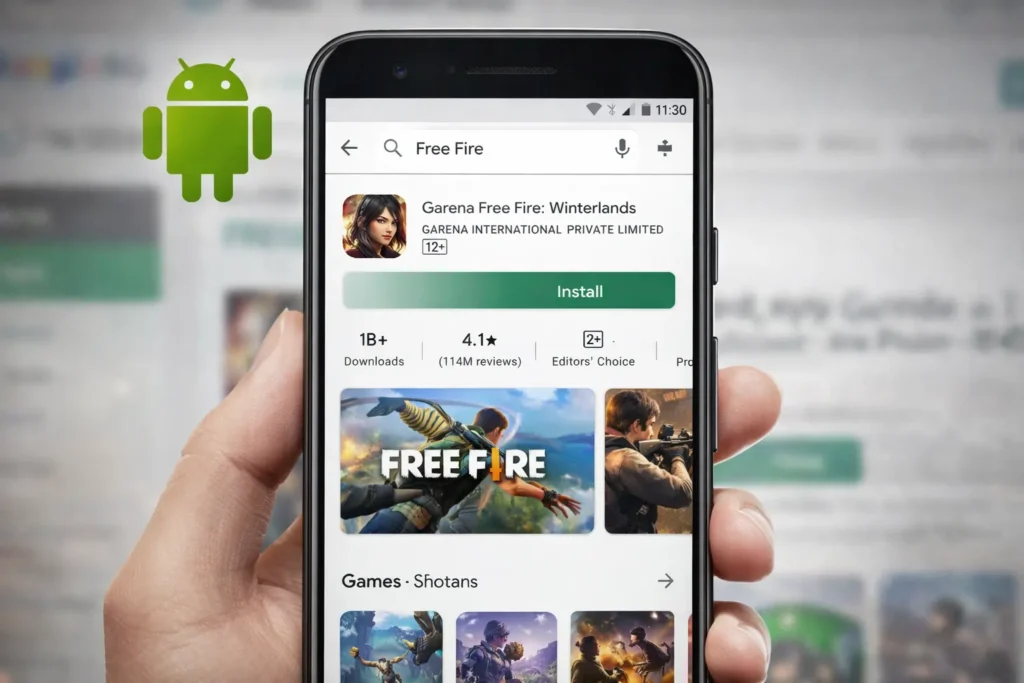
Android Requirements
Steps to Download Free Fire on Android
- Open the Google Play Store on your Android device
- Search for Free Fire in the search bar
- Select Garena Free Fire from the results
- Tap the Install button
- Wait for the download to complete
- Open the game and download in-game resources
This method ensures a safe installation and smooth gameplay experience.
How to Download Free Fire on iPhone (iOS)
Free Fire can be downloaded directly on iPhone using the official App Store. Before installing, make sure your device meets the basic requirements to avoid download or performance issues.
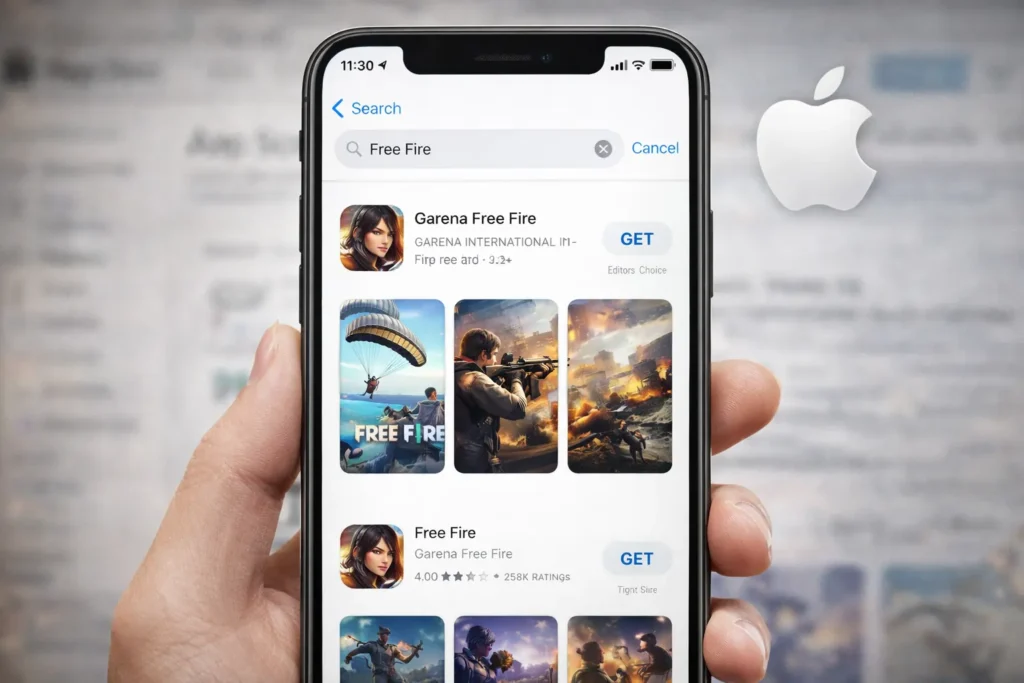
iPhone Requirements
Steps to Download Free Fire on iPhone
- Open the Apple App Store on your iPhone
- Tap the search bar and type Free Fire
- Select Garena Free Fire from the search results
- Tap Get to start downloading the game
- Verify the download using Face ID, Touch ID, or Apple ID password
- Once installed, open the app and allow in-game files to download
This method ensures a safe and smooth installation on iOS devices.
How to Download and Play Free Fire on Laptop (Using Emulator)
Free Fire is built for mobile devices, but it can be played smoothly on a laptop using an Android emulator. An emulator allows your laptop to run Android apps, giving you a bigger screen and better controls for gameplay.
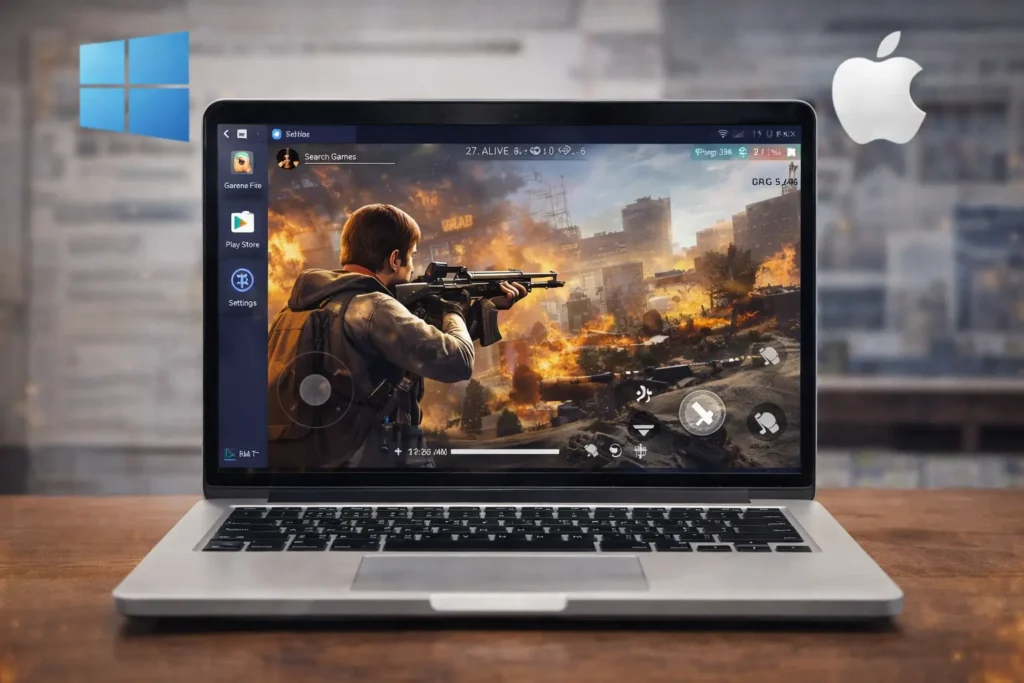
Below is a complete and easy guide to download and play Free Fire on your laptop.
Step 1: Download an Android Emulator
To run Free Fire on a laptop, you first need an Android emulator. Popular and trusted options include BlueStacks, NoxPlayer, and LDPlayer. These emulators are free, safe, and widely used by gamers.
For this guide, we’ll use BlueStacks.
- Visit the official BlueStacks website
- Click on Download BlueStacks
- The installer file will start downloading for your system
Step 2: Install BlueStacks on Your Laptop
Once the download is complete, locate the installer file and double-click it to begin installation.
- Follow the on-screen instructions
- Wait for the installation to finish
- Launch BlueStacks from your desktop or start menu
The setup may take a few minutes depending on your system.
Step 3: Sign In to Google Play Store
After launching BlueStacks, you’ll need to sign in with a Google account.
- Open the Google Play Store inside BlueStacks
- Sign in using your Google account
- This step is required to download apps just like on an Android phone
Step 4: Download Free Fire on Laptop
Once signed in, downloading Free Fire is simple.
- Search for Garena Free Fire in the Play Store
- Click on the Install button
- Wait for the game to download and install
After installation, you can open Free Fire directly from the Play Store or from the BlueStacks home screen.
Step 5: Start Playing Free Fire
Launch the game, allow it to download in-game resources, and start playing. You can customize keyboard controls and graphics settings in the emulator for smoother performance.
How To Download Free Fire Without Play Store?
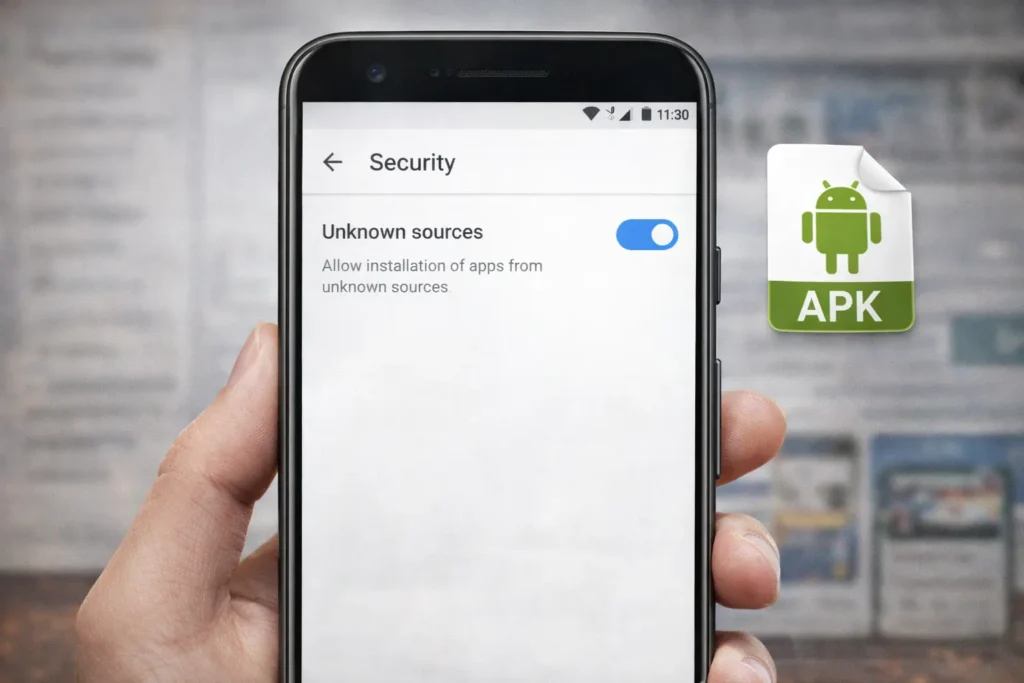
If you cannot access the Google Play Store, Free Fire can still be downloaded safely using the official APK method. This option is useful when the Play Store is not working or the app does not appear in search results.
Requirements
Steps to Download Free Fire Without Play Store
- Open your browser and visit Garena’s official website
- Download the official Free Fire APK file
- Go to Settings > Security on your phone
- Enable Install from Unknown Sources
- Locate the downloaded APK file and tap to install
- Open the game and allow it to download in-game data
Always avoid mod or cracked APK files, as they can harm your device and may lead to account bans.
Is Free Fire Safe to Download?
Yes, Free Fire is safe to download when installed from official sources such as the Google Play Store, Apple App Store, or Garena’s official website. Garena is a trusted game publisher, and the official version of the game follows standard security practices.
Avoid downloading Free Fire from third-party websites offering modified or hacked versions, as these can compromise your device and lead to permanent account bans.
Conclusion
Downloading Free Fire is simple when you choose the right method for your device and use official sources only. Whether you install it from the Play Store, App Store, an Android emulator on PC, or through the official APK file, following the correct steps helps avoid errors and security risks. By checking device requirements, keeping enough storage, and using a stable internet connection, you can enjoy smooth gameplay and stay updated with the latest Free Fire features without any issues.
Free Fire FAQs
Does Free Fire require a Google account to download?
Yes, downloading Free Fire from the Play Store requires a Google account. However, APK installation does not require a Google account, only device permissions.
Can Free Fire be downloaded on tablets?
Yes, Free Fire works on most Android and iOS tablets as long as the device meets the minimum system requirements.
Why does Free Fire stop downloading at a certain percentage?
This usually happens due to unstable internet, background app restrictions, or low storage. Pausing and resuming the download often fixes it.
Is it possible to transfer Free Fire data to another device?
Yes, by logging in with the same account, your progress and data can be synced on a new device.
Does Free Fire work on Android Go devices?
Some Android Go devices support Free Fire, but performance may be limited due to hardware restrictions.
Can I download Free Fire using mobile data?
Yes, but a stable and fast mobile data connection is recommended to avoid incomplete downloads.
Why does Free Fire ask for additional downloads after installation?
The game downloads extra files for maps, characters, and updates to ensure smooth gameplay.
Is VPN required to download Free Fire?
No, Free Fire does not require a VPN when downloaded from official sources.