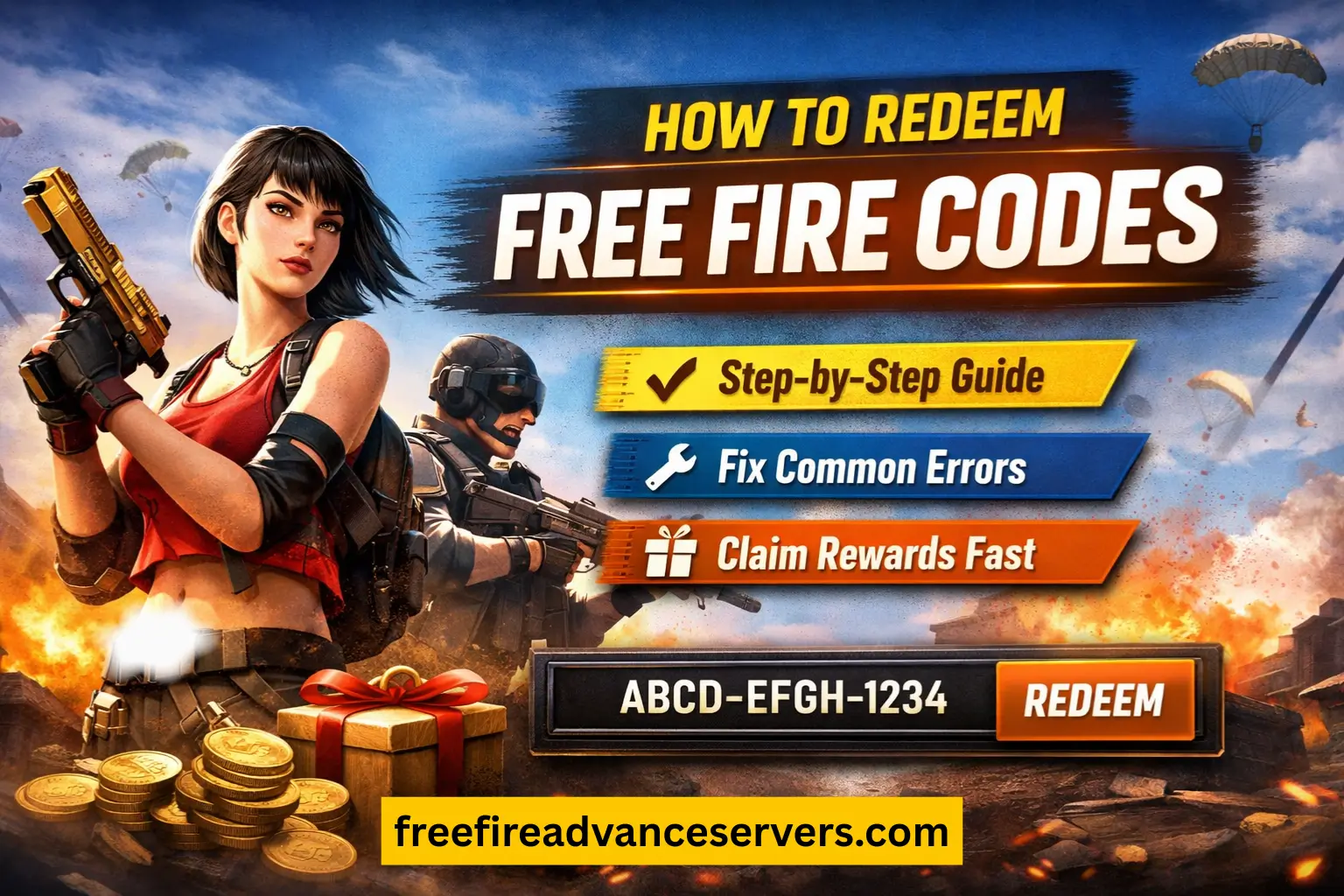
Free Fire redeem codes offer players a quick way to claim in-game items such as weapon crates, cosmetic skins, vouchers, and event rewards. These codes are issued directly by Garena and can only be redeemed through the official Rewards Redemption Site, not inside the game. The process is simple, but it requires a supported login method and accurate entry of the 12-character code to ensure the reward is delivered correctly.
How to Redeem Free Fire Codes (Step-by-Step)
Redeeming a Free Fire code involves submitting it through Garena’s official Rewards Redemption Site, which verifies the code and processes the reward on your account. The steps below explain the process clearly for both Free Fire and Free Fire Max players.
Step 1: Open the Official Rewards Redemption Site
Visit https://reward.ff.garena.com/ using a browser.
This site is directly connected to Garena’s account database, which is why codes can only be redeemed here and not inside the app.
The page will show several login options used to authenticate your game account.
Step 2: Sign In With a Supported Login Method
Choose one of the supported options:
Free Fire uses these platforms to identify your account region and verify ownership. Guest accounts cannot redeem codes because they are not linked to Garena’s servers. If you play as a guest, link your account in-game before continuing.
Step 3: Enter the 12-Character Redeem Code
Type the code exactly as provided. Every Free Fire code consists of 12 characters, using uppercase letters (A–Z) and numbers (0–9). The system checks for three things:
- Whether the code is still valid
- Whether it matches your server region
- Whether it has remaining redemptions
Any incorrect character or spacing will cause the code to be rejected.
Step 4: Confirm the Submission
Click Confirm to process the redemption.
- If the code is accepted, the website will display a short confirmation message.
- If the code is expired, region-restricted, or already used, the system will show an error instead.
Step 5: Claim the Rewards In-Game
Open Free Fire or Free Fire Max and check the in-game mail section. Most rewards, such as crates and bundles, arrive here. Items like gold or fragments may be credited directly to your inventory.
Rewards are usually delivered within a few minutes, but event-related items may take slightly longer depending on server load.
Common Errors When Redeeming Codes and How to Fix Them
Free Fire redeem codes can fail for several reasons, usually connected to account restrictions, server rules, or expired promotions. Understanding what each error means helps identify the correct fix without guesswork.
1. “Invalid Code”
This appears when the code has expired or when one or more characters are entered incorrectly.
Fix:
- Re-enter the code carefully, checking similar-looking characters (O/0, I/1).
- If the code is old, it may no longer be valid.
2. “This Code Cannot Be Used in Your Region”
Codes are tied to specific servers such as India, Indonesia, or Europe. If your account was created on a different server, the code won’t apply.
Fix:
- Use codes released specifically for your region.
- VPNs do not change your account’s server.
3. “Redemption Limit Reached”
Some codes have a fixed number of uses. When that limit is reached, the code stops working for everyone.
Fix:
- Try another active code; this one cannot be reused.
4. “Login Method Not Supported”
This happens when the login method used on the redemption site does not match the method linked to your in-game account.
Fix:
- Use the same platform you linked inside the game (e.g., Google or Facebook).
- Avoid switching to another login type during redemption.
5. Guest Account Not Eligible
Guest accounts are not recognized on the server and cannot receive external rewards.
Fix:
- Link your account in-game to Google, Facebook, Apple ID, or another supported platform.
- Return to the redemption site after linking.
6. Rewards Not Appearing in Mail
Sometimes rewards take a little longer to arrive due to server processing.
Fix:
- Check the in-game mail again after a few minutes.
- Restart the game to refresh your inbox.
- For direct items like fragments or coins, check inventory instead of mail.
Why Some Redeem Codes Don’t Work
Not all redeem codes function for every player. Several factors influence whether a code can be used, most of which are tied to Garena’s regional rules and time-based limitations
Frequently Asked Questions
How long does it take to receive rewards after redeeming a code?
Most rewards appear in the in-game mail within a few minutes. Items like coins, fragments, or some vouchers may be added directly to your inventory without a mail notification.
Can I redeem a code while logged in on another device?
Yes. Redeeming a code through the website does not affect active gameplay sessions. The reward will still be delivered to the same linked account.
Is it possible to redeem codes from other servers using VPN?
No. VPNs do not change your Free Fire server. Your server is assigned permanently based on the region where your account was created, so region-locked codes cannot be bypassed.
What should I do if I accidentally enter the wrong code?
Simply re-enter the correct 12-character code. Incorrect formatting or misplaced characters cause an “Invalid Code” error, but it does not lock your account.
Conclusion
Redeeming Free Fire codes is a simple process that allows players to claim free items through Garena’s official Rewards Redemption Site. The system works for both Free Fire and Free Fire Max, provided the account is linked to a supported login method.
Most issues arise from regional restrictions, expired codes, or incorrect formatting, all of which can be resolved by following the steps and rules outlined above. By using valid sources and understanding how the redemption system works, players can access a steady stream of safe and legitimate rewards.